
To keep your premium modules working and receiving updates, you’ll need to install the Module Updater. This controls the settings and license management for all AWP add-ons.
The good news is that it’s fast and easy.
- First, make sure the AWP Classifieds Plugin is updated to the latest version
- Log in to your AWP account and go to your Downloads page.
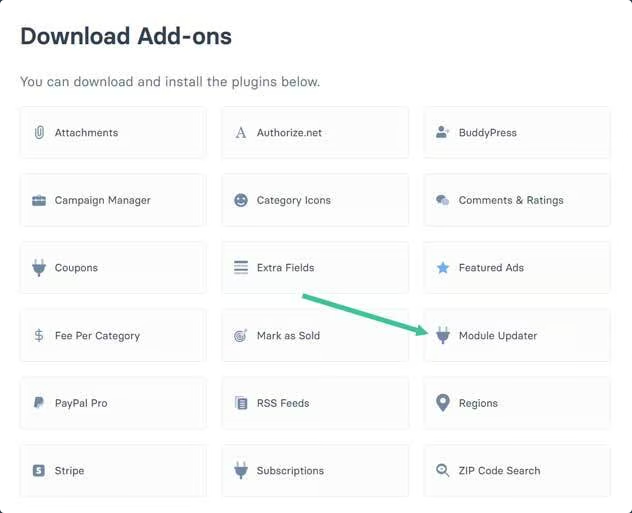
- Download the Module Updater Add-On.
- Upload, install, and activate the Module Updater in your WordPress Plugins section.
- Go to the Plugins page and make sure your AWP Modules are all up-to-date.
Once these steps are complete, you will now see a Modules and Licenses tab on the settings page where you control the add-on settings and licenses.
